May was one of our biggest months yet. We added two brand new ways to send email, brought your Canva designs into Flowforth, completely overhauled QR codes, and shipped a fresh look for the automation builder and your home dashboard. There is a lot to cover, so here are the highlights.
Simple Emails
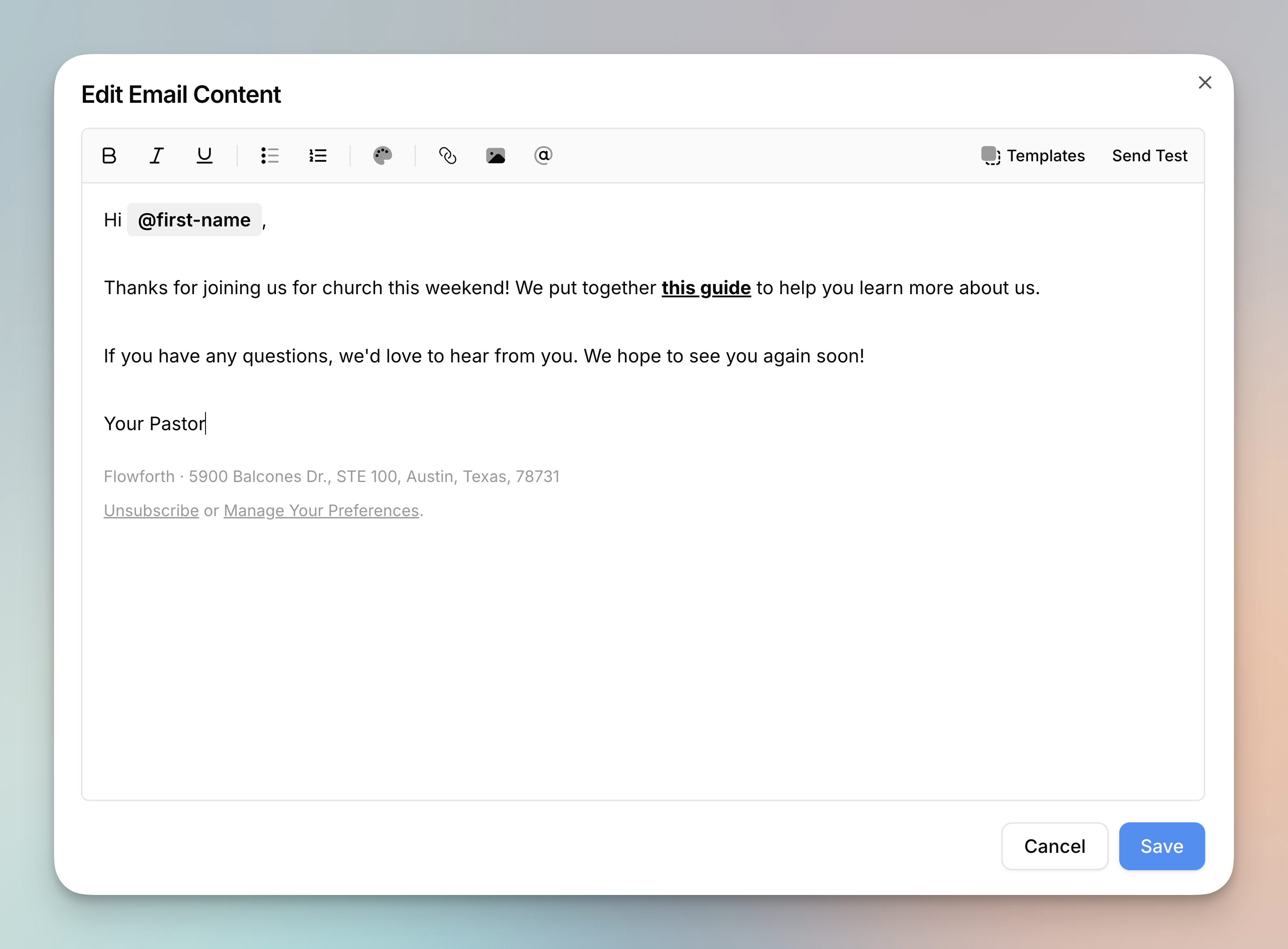
You can now send simple emails in Flowforth. They use a lightweight rich text editor and render as clean, minimal HTML that looks like it came straight from your inbox, which makes them perfect for personal messages, quick updates, and internal communications.
- Format with bold, italic, underline, lists, links, images, and merge tags.
- Use all the same link types as the drag-and-drop editor, including URLs, email, phone, SMS, file downloads, and Planning Center links.
- Save simple email templates to reuse content across emails and automations, and send test emails right from the editor.
A footer with your organization name, address, and unsubscribe links is included automatically.
HTML Emails
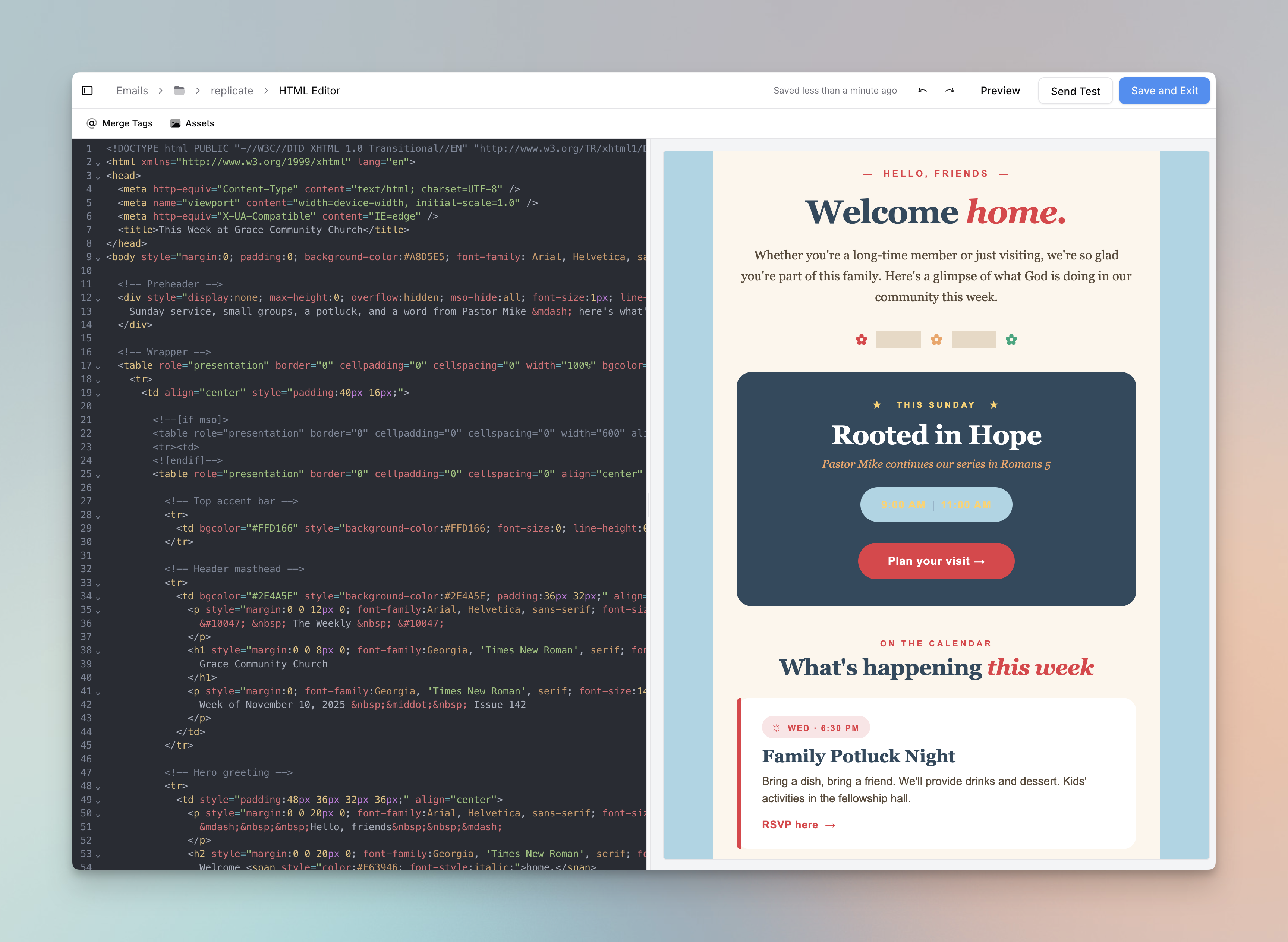
For full control over your design, you can now write and send your own HTML emails. Paste in code from tools like Canva, ChatGPT, and Claude, or write it yourself.
- The editor includes syntax highlighting, live preview, undo and redo, auto save, and access to your asset library and merge tags.
- If your HTML does not include an unsubscribe link, we add one before sending.
- Create HTML email templates to reuse your designs, and filter by the HTML type on the emails and templates tables.
Canva Integration
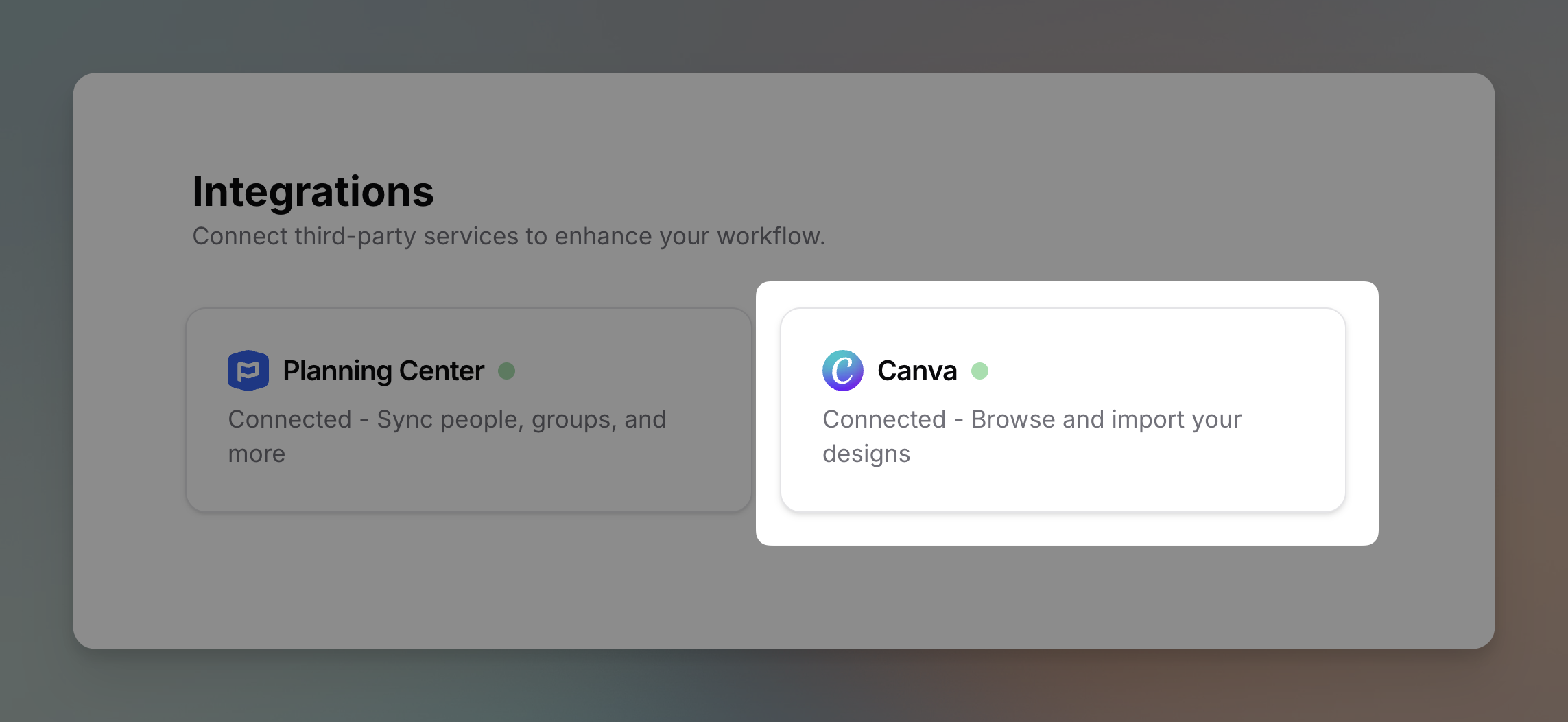
Connect your Canva account and put your designs to work in your emails. Browse your designs, import them as images in the drag-and-drop editor, or build full emails from Canva Email templates.
Flowforth handles the rest, extracting the HTML, uploading your images, and converting Canva placeholders into Flowforth merge tags. Just connect your account from Settings, then Integrations, then Canva.
A whole new QR code experience
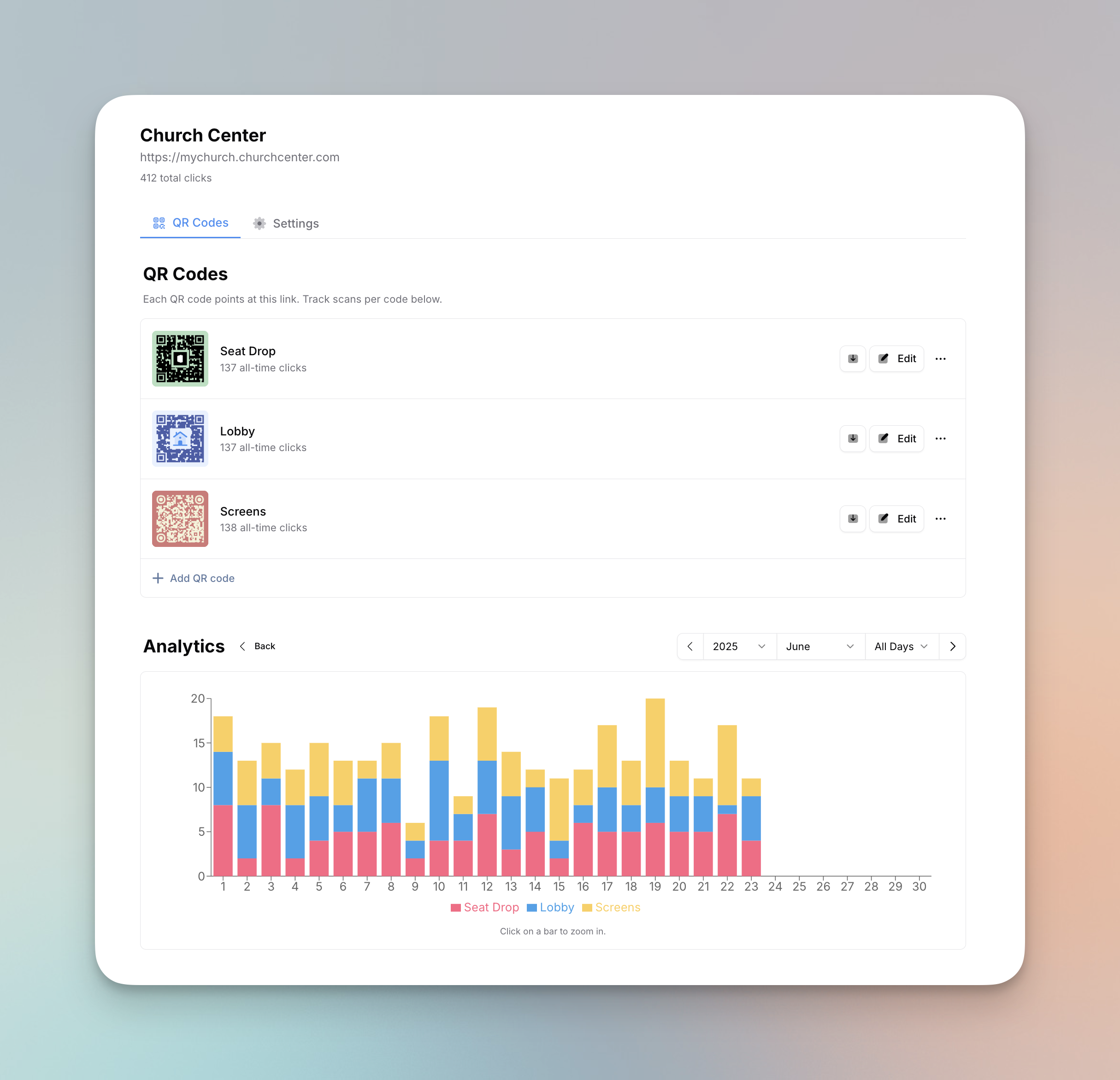
We gave QR codes a major upgrade this month.
- Codes now support many more types, including Planning Center items (registrations, events, groups, forms, and Church Center pages), file downloads, phone calls, and text messages, on top of URLs and email addresses.
- Choose whether a code is tracked or static. Tracked codes route through Flowforth so you get scan analytics and can change the destination after printing. Static codes encode their destination directly so phones handle them natively.
- The page has a redesigned layout with two tabs, one for your designs and analytics and one for settings, and you can see total scans right on each code's row.
Person Block
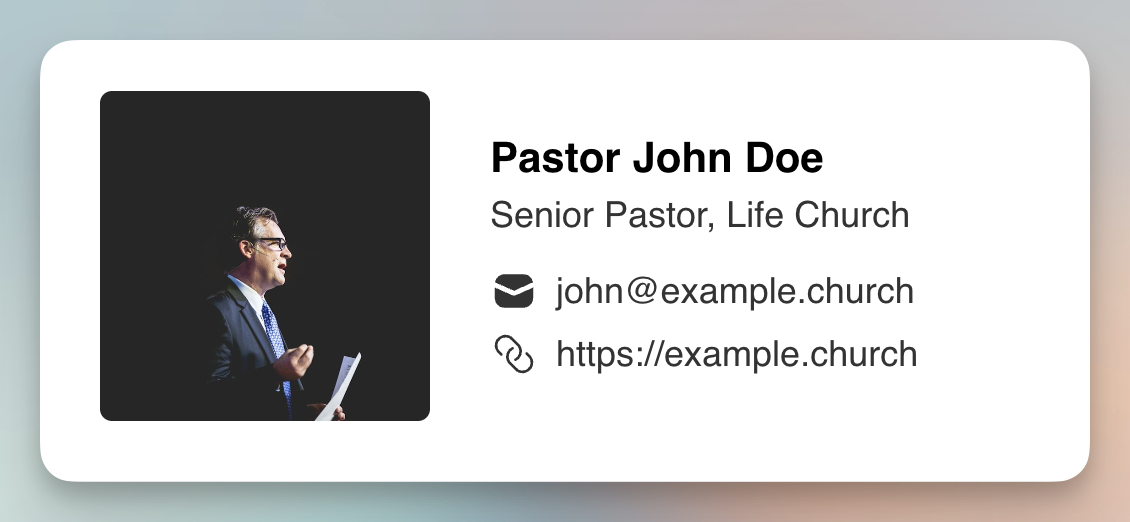
The author block is now the person block, since it works for so much more than content authors. It is a great way to feature a point of contact or share a volunteer's details.
- Save people for quick reuse across emails. Saved people are shared across your organization.
- Import from Planning Center to pull in someone's profile picture, name, emails, phone numbers, and social accounts. Always make sure you have their permission first.
- A new "below" link layout gives you an email signature look, and you can choose circle or square avatars up to 150px.
New Automation Builder
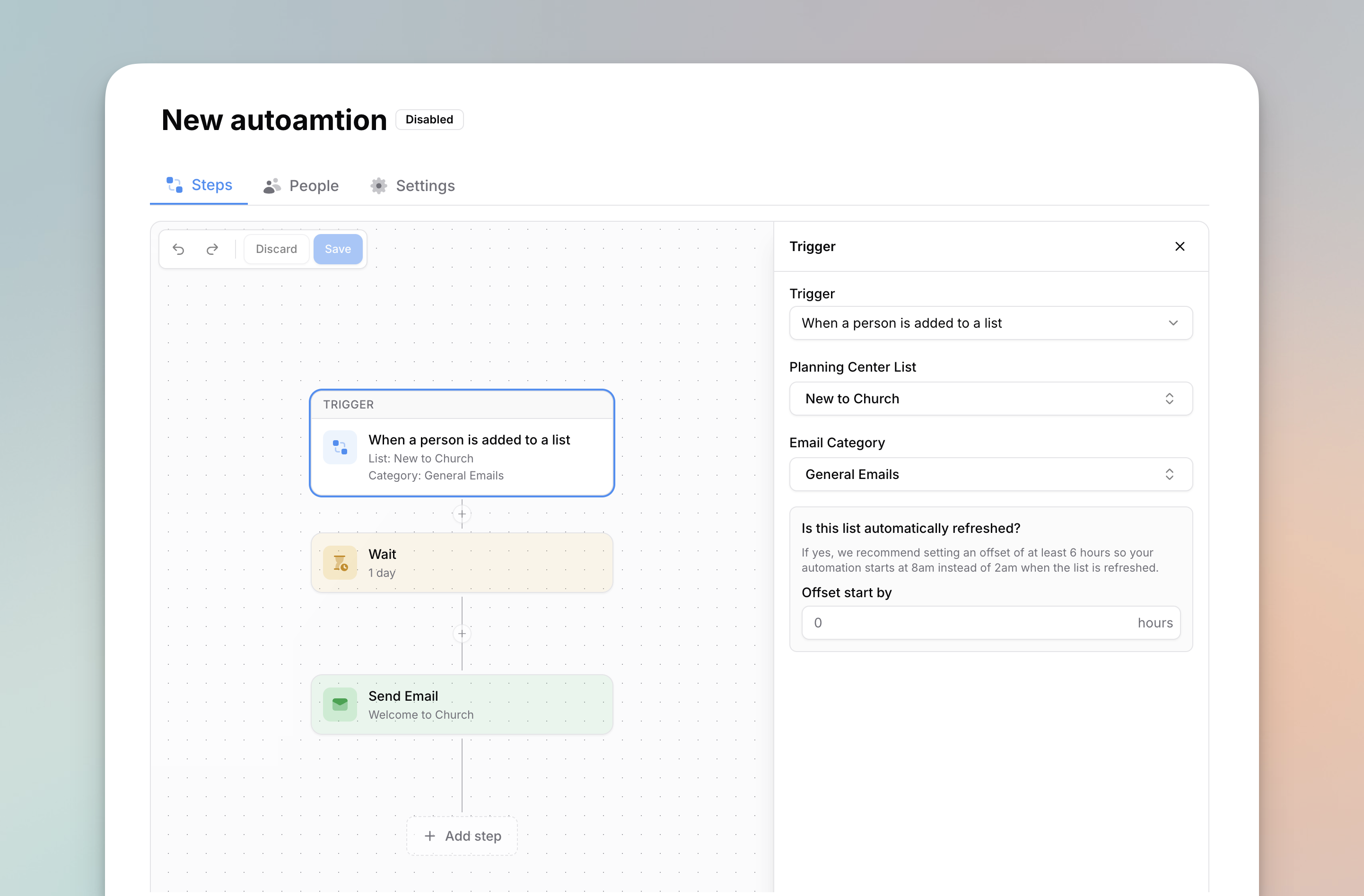
We refreshed the look of the automation builder. It should feel more familiar to use, and it sets us up for more automation features and improvements down the road.
GIF Generator
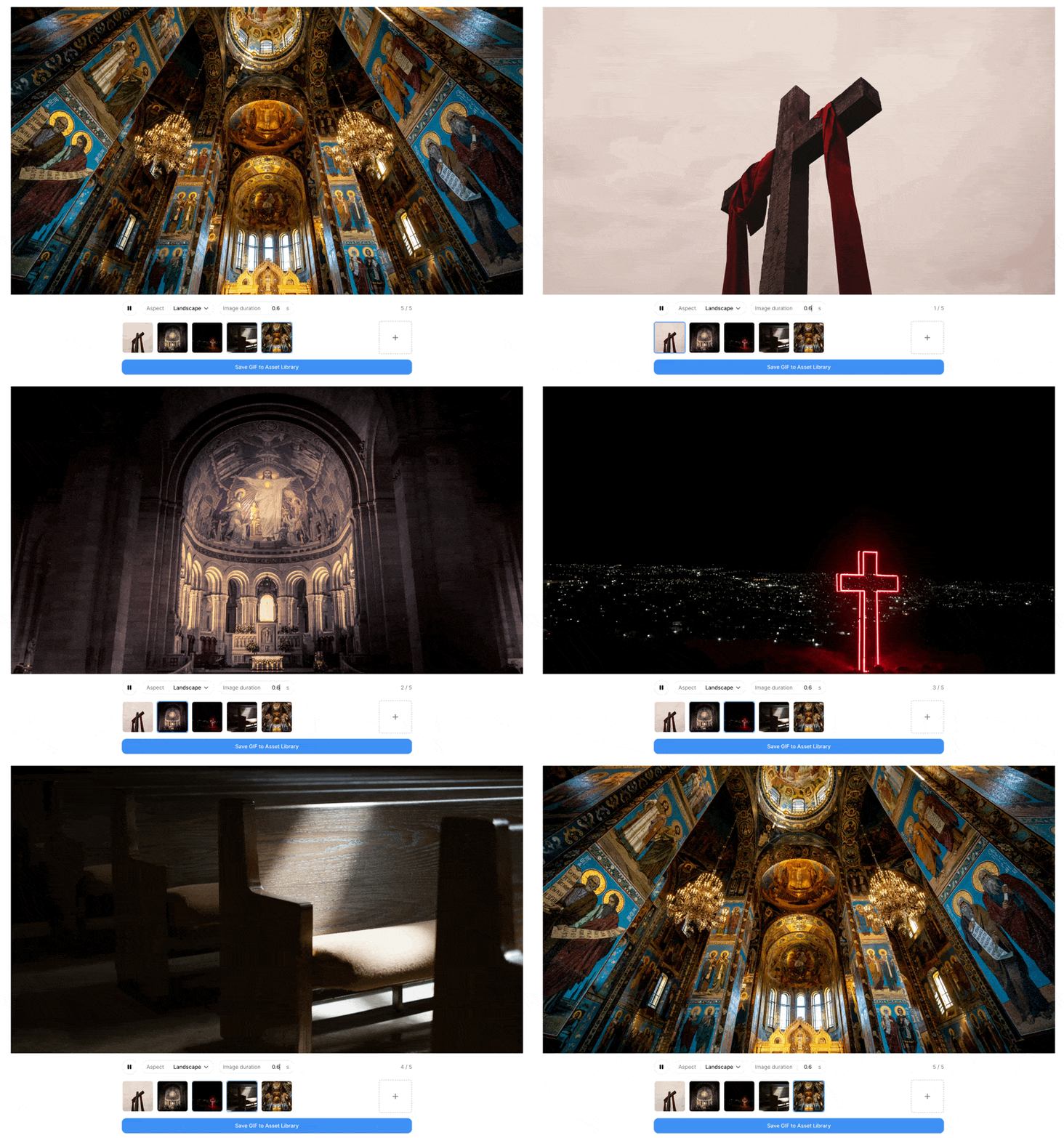
You can now create GIFs right inside Flowforth. Upload a series of images, choose your frame rate and dimensions, and we will build a GIF you can drop into your emails. It is perfect for simple animations, showcasing event photos, or adding a little fun without reaching for outside tools.
You will find it under the newly renamed "Content" item in the sidebar, alongside your Asset Library.
A more helpful home dashboard
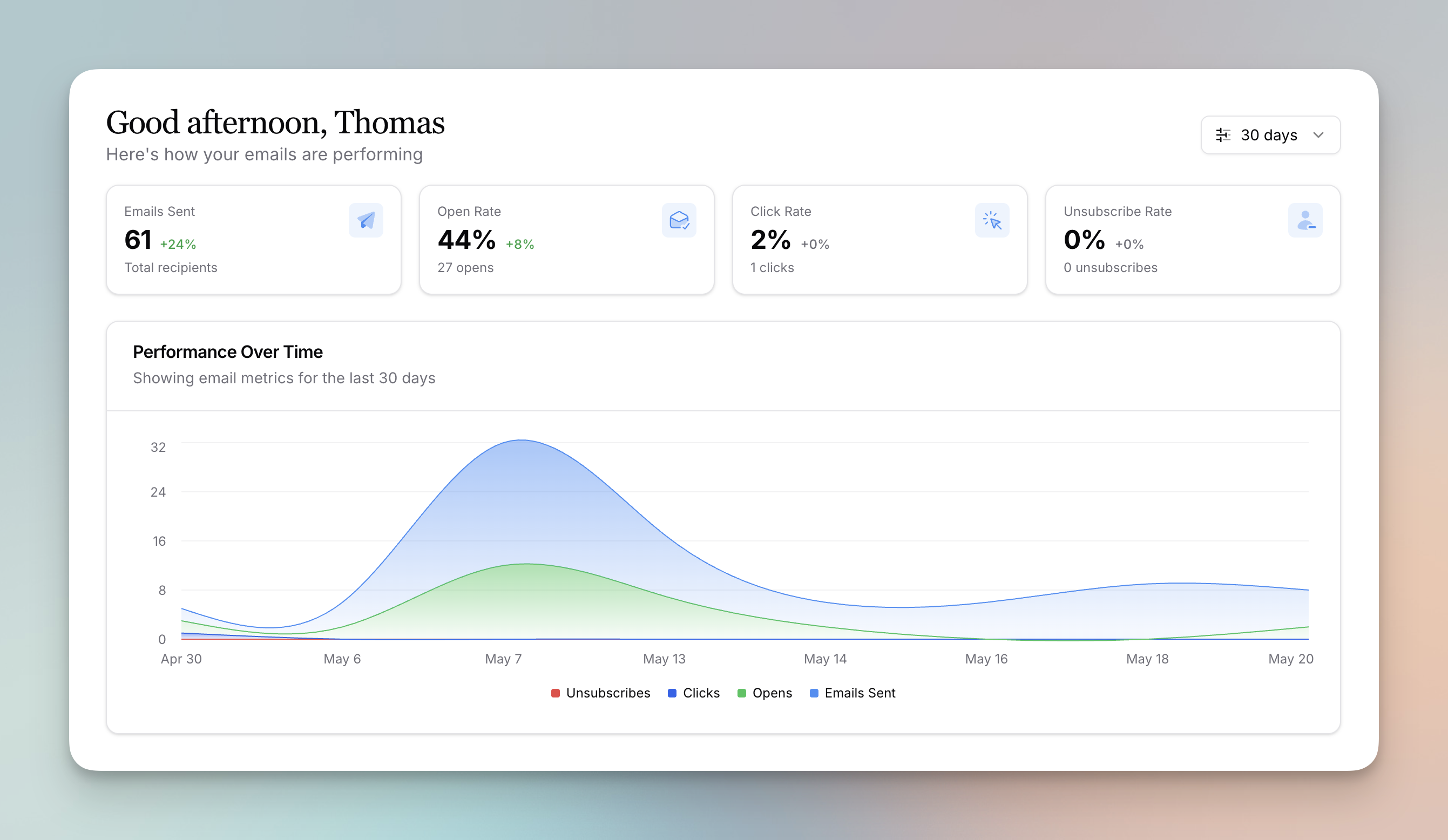
Your home dashboard now gives you a clearer picture of how your emails are doing.
- A new Performance Over Time chart tracks sends, opens, clicks, and unsubscribes.
- The unsubscribes widget now also shows category unsubscribes and bounces, so you can spot issues quickly.
- Click into it to reach the new People Feed page, where you can filter recent unsubscribes and bounces by type and date range and dig into each one.
Fixes and improvements
A handful of the other things we shipped in May:
- Add a Chart block to your emails with bar, line, and pie charts, custom colors, and dark or light mode. Great for annual reports, giving updates, and attendance trends.
- Browse and import images from Unsplash anywhere you select an image in Flowforth.
- Crop images into shapes like circles, ovals, arches, and decorative options right from the editor, applied so they render reliably in every email client.
- Set a custom border width for each side of a button, image, or video block for a neo-brutalism look.
- We refreshed the block editor sidebar with clearer groupings so you can see more settings at once.
- Planning Center is now a link type in both the email editor and on Link Pages, so you can browse and link to forms, registrations, groups, events, and Church Center pages without leaving Flowforth.
- Use the @first-name and @last-name merge tags in your subject lines for regular and automation emails.
- Auto-Join Domains let anyone with a matching email domain join your organization automatically, with default permissions you control.
- Card and list descriptions now support rich text, and a new expanded editing modal lets you switch between and reorder items more easily.
- HEIC photos from iPhones are now converted to JPG automatically when you upload them.
- You can now hide email categories from the preferences and unsubscribe pages, and drag to reorder how they appear.
That wraps up a packed month. Log in to explore everything new, and tell us what you would love to see next.